
How to Use Pak ID (NADRA Online Portal): A Complete Step-by-Step Guide
Learn how to use Pak ID, NADRA’s online portal for CNIC, NICOP, POC, FRC, and other identity services. Follow this complete step-by-step guide to apply, renew, modify, and track your applications online.
Introduction
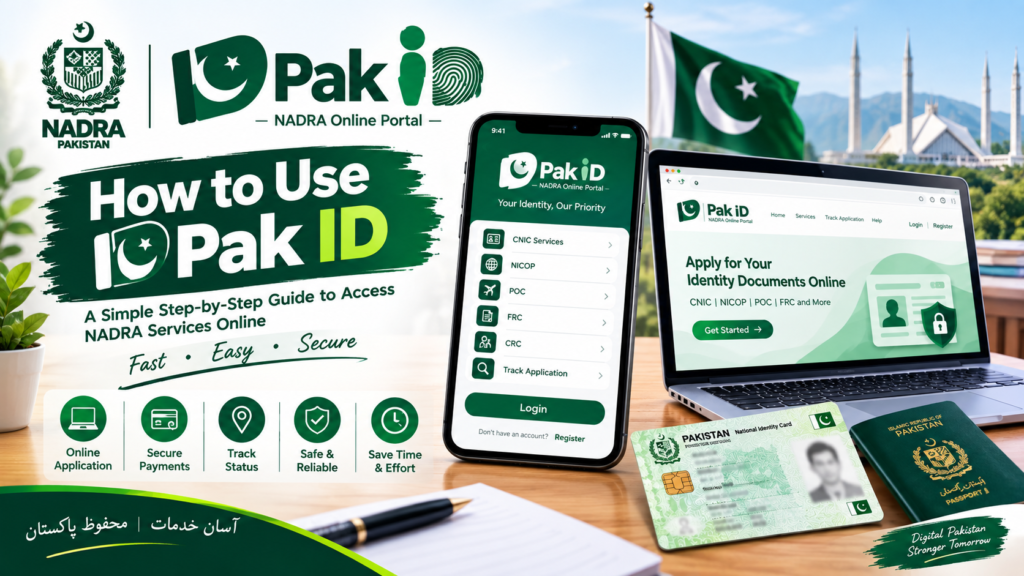
Pak ID is NADRA’s official online identity management platform that allows Pakistani citizens and overseas Pakistanis to apply for various identity documents without visiting a NADRA office. Through the Pak ID portal and mobile application, users can submit applications, upload documents, make online payments, and track application status from anywhere in the world.
The platform has simplified identity document processing and made government services more accessible, convenient, and efficient for citizens.
What is Pak ID?
Pak ID is an online service developed by NADRA that enables citizens to apply for and manage identity-related services digitally. The platform is available through both a web portal and a mobile application for Android and iOS devices.
Services Available on Pak ID
Users can access the following services:
- CNIC Renewal
- CNIC Modification
- CNIC Reprint/Lost Card
- NICOP Applications
- Pakistan Origin Card (POC)
- Child Registration Certificate (CRC)
- Family Registration Certificate (FRC)
- Cancellation Certificates
- Application Tracking Services
Step 1: Download the Pak ID App or Visit the Portal
To begin, users can either:
- Download the Pak ID Mobile App from Android or iOS stores.
- Visit the official Pak Identity Portal online.
The portal and app are designed to provide secure access to NADRA’s digital services.

Step 2: Create a New Account
After opening the app or website:
- Click on Create New Account.
- Select your nationality.
- Enter your CNIC details.
- Provide a valid email address.
- Enter your mobile number.
- Create a secure password.
Make sure the information entered matches your official records.
Step 3: Verify Your Email and Mobile Number
Pak ID sends verification codes (OTPs) to your registered email and mobile number.
Verification Process
- Enter the OTP received on your phone.
- Enter the OTP received via email.
- Complete the account activation process.
Once verified, your Pak ID account becomes active.
Step 4: Login to Your Account
Use your registered credentials to sign in.
After logging in, you will see the dashboard where all available NADRA services are listed.
Step 5: Select the Required Service
Choose the service you need.
Examples include:
CNIC Services
- New CNIC
- Renewal
- Modification
- Reprint/Lost Card
Overseas Services
- NICOP
- POC
Family Services
- CRC
- FRC
Other Services
- Cancellation Certificates
- Digital Identity Services
Step 6: Fill Out the Application Form
Carefully enter all required information, including:
- Personal details
- Family information
- Contact details
- Address information
Review every field before moving to the next step. Incorrect information may delay processing.
Step 7: Upload Required Documents
Pak ID allows users to upload documents directly from their devices.
Common documents may include:
- Existing CNIC copy
- Birth certificate
- Marriage certificate
- Passport copy
- Supporting legal documents
Upload clear and readable images for faster approval.
Step 8: Complete Biometric Verification
Depending on the application type, biometric verification may be required.
Pak ID supports:
- Fingerprint verification
- Relative biometric attestation
- Identity verification procedures
In certain cases, applicants may be asked to visit a NADRA Registration Center for final verification.
Step 9: Capture Live Photograph and Signature
The app allows users to:
- Capture a live photograph.
- Submit a digital signature.
These features help ensure secure identity verification and reduce the need for physical visits.

Step 10: Pay the Application Fee Online
Pak ID supports multiple payment methods:
- Debit Cards
- Credit Cards
- Raast
- JazzCash
- EasyPaisa
- Other approved payment channels
After payment, a receipt is generated automatically.
Step 11: Submit Your Application
Before submission:
✔ Review all details
✔ Check uploaded documents
✔ Verify payment status
✔ Confirm contact information
Once everything is correct, submit your application.
Step 12: Track Application Status
Pak ID provides real-time application tracking.
Users can monitor:
- Application progress
- Verification status
- Processing stage
- Delivery updates
This feature helps applicants stay informed throughout the process.
Additional Features of Pak ID
Digital ID Vault
Pak ID offers a secure digital vault where users can store important documents such as:
- CNIC
- NICOP
- Educational Certificates
- Licenses
- Other digital credentials
Single Sign-On (SSO)
Users can access multiple government services through a single Pak ID login, making digital interactions more convenient.
Consent-Based Data Sharing
Pak ID allows citizens to control how their personal information is shared with organizations, ensuring greater privacy and security.
Benefits of Using Pak ID
- Apply from home
- Save time and travel costs
- Secure online verification
- Convenient payment options
- Real-time application tracking
- Access services worldwide
- Faster document processing
- Secure digital identity management
Conclusion
Pak ID has transformed the way Pakistani citizens access identity-related services. By offering online applications, secure verification, digital payments, and real-time tracking, NADRA has made identity management easier and more efficient than ever before. Whether you need a CNIC renewal, NICOP application, FRC, or other services, Pak ID provides a convenient and reliable solution accessible from anywhere in the world.
Pak Identity Portal (for account creation and applications)
Official Pak ID Portal:
https://id.nadra.gov.pk
NADRA Official Website (for official information and updates)
Official NADRA Website:
https://www.nadra.gov.pk
Leave a Reply